What Are the Benefits of Using a White-Label Website Builder Like ChaiBuilder?
Published on Oct 10, 2026
If your software runs a business for your customers, a website is one of the first extra things they ask for. A white-label website builder is how you say yes without building a website builder yourself: you put a ready-made builder inside your product, under your brand, and your customers create and edit their own sites in it.
The short answer to the question in the title: a white-label website builder lets you add websites to your product in months instead of years, keeps your brand in front of your customers, and stops every website change from becoming a support ticket. Which benefits you actually get depends on how the builder is built, so this post covers both the benefits and what to check before you choose one.
What is a white-label website builder?
A white-label website builder is a website builder you present under your own brand. Your customers log in, edit their pages and publish, and the tool shows your logo and your colors rather than the vendor's. You will also see it called a private label website builder or a white label site builder. They mean the same thing.
There are two broad kinds. Hosted reseller programs rebrand the vendor's platform, and your customers' sites live on the vendor's servers. Self-hosted builders, like ChaiBuilder, are delivered as software you deploy, so the sites run in your app on your own database. Most of the benefits below apply to both. A few only apply to the second.
1. Your brand stays in front of your customers
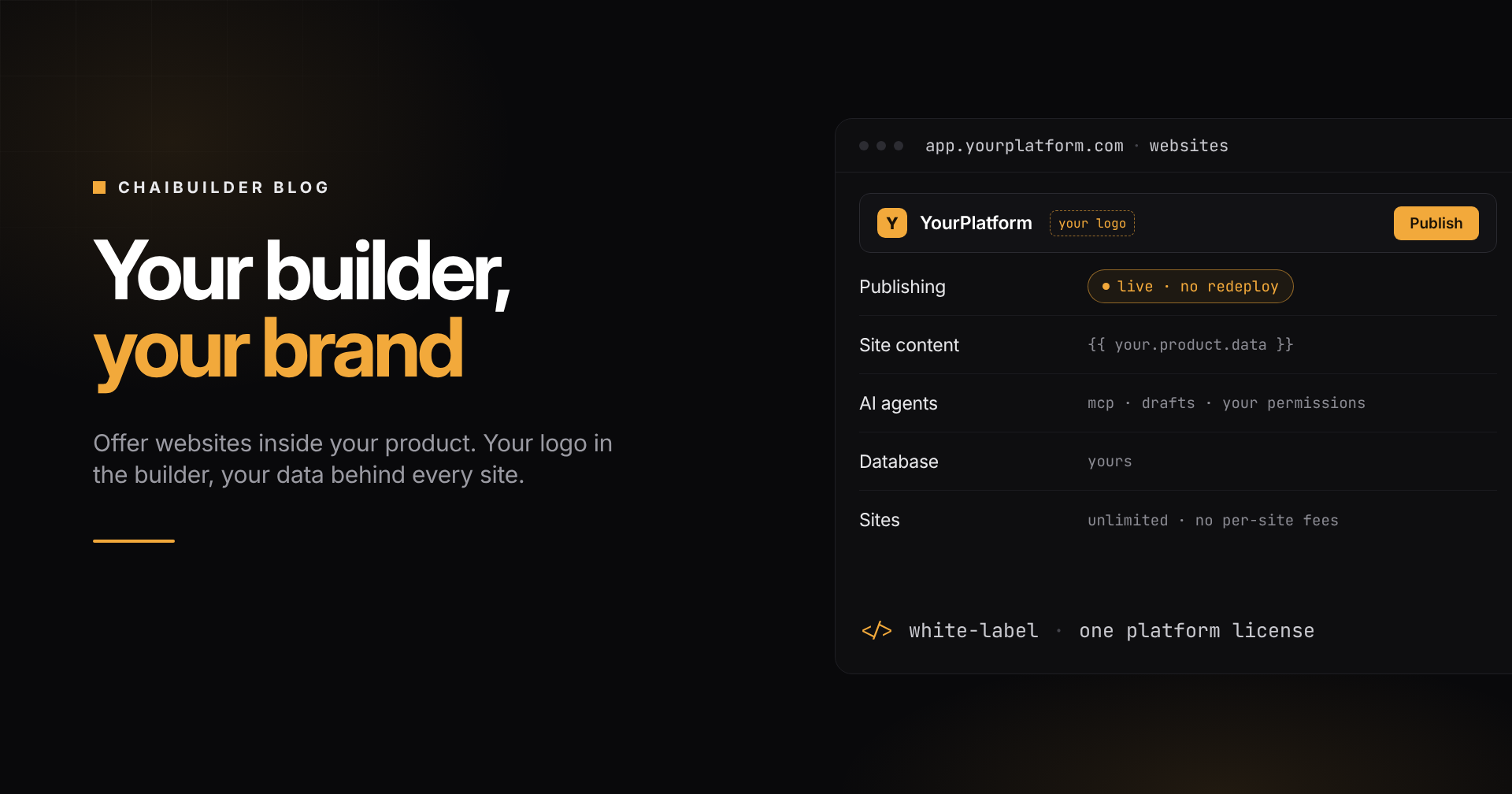
The builder is a screen your customers open often. With a white-label builder, that screen is part of your product. ChaiBuilder's Platform license puts your logo and color scheme in the builder, with no ChaiBuilder branding anywhere in it. To your customer, the website editor is simply a feature of your software.
That matters more than it sounds. A vendor's logo in the editor invites a customer to go to the vendor directly. Your logo keeps the relationship where it belongs.
2. You ship websites in months, not years
Building a website builder in-house looks manageable at the start: a few page templates and a form to edit text. Then customers ask for drag and drop, image handling, SEO fields, previews, version history, multiple languages, user roles and a way to undo the mistake someone made on Friday. Each of those is a project, and none of them is your core product.
A white-label builder gives you that whole surface on day one. Your engineering team spends its time on the parts only you can build: the integration with your product and the blocks that use your data.
3. Customers make changes without filing tickets
When websites are hand-built, every change goes through your team. New opening hours, a new staff photo, a seasonal offer: each one is a ticket, and each ticket is a cost you probably do not bill for.
With a visual builder, customers make those changes themselves. In ChaiBuilder they edit on a canvas, check the result in preview and publish in one click. Revisions keep every page's history, so a bad edit can be rolled back. Roles decide who can do what, so a customer's front-desk staff can update copy without being able to change the brand or publish. See Preview and Publish and Revisions.
4. Changes go live without a deploy
Many website setups still need a build and a deploy before a change appears. That is fine for one marketing site. It does not work for hundreds of customer sites being edited all day.
ChaiBuilder stores each page as JSON and renders it at runtime. A customer edits, publishes, and the change is live. No build and no redeploy, for that customer or anyone else. And when your team fixes a bug in a shared block and deploys your app once, every site picks up the fix. See Rendering Model.
5. Sites start from data you already have
This is the benefit a generic website builder cannot give you, and for a software platform it is often the biggest one.
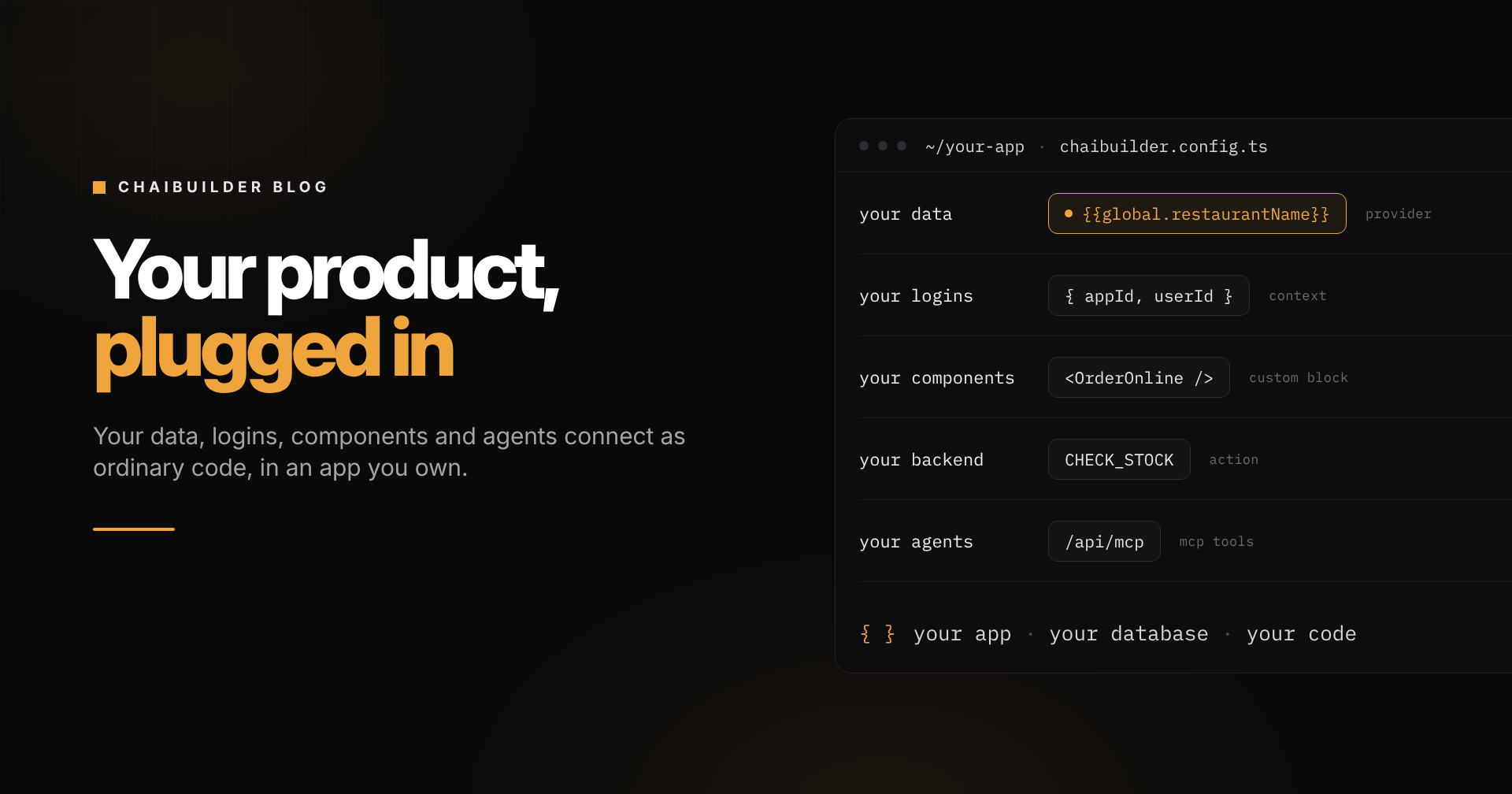
Your product already knows each customer's name, address, hours, services and team. Nobody should retype that into a website. With data binding, your developers connect your product's data to the builder once, and every block on every site can use it. A footer prints each customer's own phone number. One page layout becomes a page for every service or team member, each rendered from its own record. When the record changes in your product, the page follows.
So a new customer does not start from a blank canvas. They start from a site that already says the right things. See Data Binding and Page Types.
6. One product, many brands
Every customer wants a site that looks like theirs. You want to maintain one codebase. A good white-label builder lets you have both.
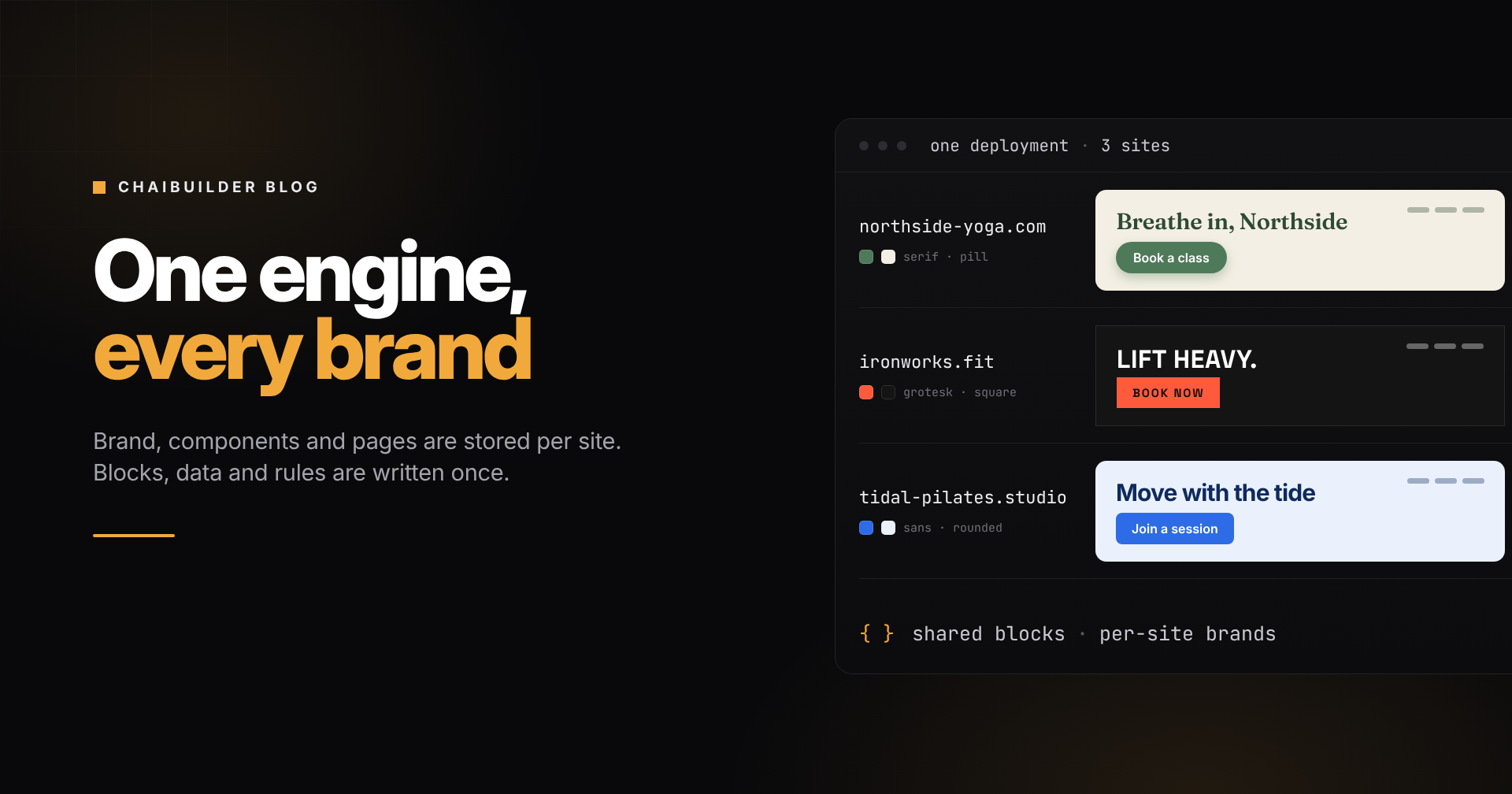
In ChaiBuilder, each site has its own theme (colors, fonts, corner radius) and its own design tokens (how buttons, cards and inputs look). Blocks are styled against those, so the same block renders in each customer's brand without anyone editing it. Your developers write custom blocks once, for example a booking widget or a pricing table that reads your plans, and every customer can use them the same day. See Theming, Design Tokens and Custom Blocks.
7. AI agents can do the routine work
Agents are now good at routine website work: rewriting a section, translating a page, filling in missing meta descriptions. For a platform with many sites, that routine work is where much of the maintenance cost lives.
ChaiBuilder has a built-in MCP server, so Claude, Cursor or any MCP client can read, edit and publish pages. The agent works as a specific user with that user's permissions, and its edits land as drafts for a person to review. Because pages are data rather than code, an agent's change goes live the same way a person's does, with no build and no deploy. With the design system for agents turned on, the blocks an agent writes are checked against the site's design rules. See MCP Setup and Design System for Agents.
8. You own the data and the infrastructure
On a hosted reseller program, your customers' content sits in the vendor's database. You carry the brand, but someone else holds the sites.
ChaiBuilder runs inside your own Next.js app, on your own SQLite or Postgres database and your own hosting. ChaiBuilder has no access to your customers' sites or data. Compliance questions, data residency requests and customer offboarding become things you can answer yourself, without checking a vendor's terms. And if a license lapses, your sites keep running. See Data and Infrastructure Ownership.
9. Costs that do not grow with every site
Per-site pricing works against a platform. Each new customer site adds a fee, so your costs rise with exactly the growth you want.
ChaiBuilder is one yearly license for your whole platform, with unlimited sites and no per-site fees. Every feature is included: no tiers, no per-seat pricing and no AI credits. Agents run on your own AI accounts, so agent usage is not metered either.
10. You can start free
ChaiBuilder is open core. The builder core is open source under the BSD-3-Clause license, so your developers can run it, read it and judge it before anyone talks about a contract. The Platform license adds what a production platform needs: multi-tenancy, roles, revisions, multilingual content, redirects, the MCP server and your branding in the builder.
What to check before you choose one
Benefits on a feature page are easy to list. Ask these questions before you commit:
- Where does the content live? In your database, or the vendor's?
- How far does the rebrand go? Only a logo, or the whole builder your customers see?
- How is it priced as you grow? Per site, per seat, per AI call, or flat?
- Can it use your data? Or will customers retype what your product already knows?
- Does a change need a deploy? If it does, every edit on every site waits on a build.
- Can your developers extend it? Custom blocks, your own routes and your own integrations, or only what the vendor ships?
- How do agents fit in? Do they work with a user's permissions and leave drafts, or with broad access?
When a white-label builder is not the right fit
If you run one or two sites for yourself, you do not need a white-label builder, and the open-source core is enough. White-label builders earn their keep when you have many customers, each with a site they want to change, and a product whose data those sites should use.
Frequently asked questions
Is a private label website builder the same as a white-label website builder?
Yes. Private label, white label site builder and white label web builder all describe a builder you present under your own brand.
Can I remove ChaiBuilder's branding completely?
Yes. With the Platform license, the builder shows your logo and color scheme, with no ChaiBuilder branding anywhere in it. The open-source core keeps ChaiBuilder branding in the builder.
Do I need a separate license for every customer?
No. One yearly license covers your whole platform, with unlimited sites and no per-site fees.
The takeaway
The benefits of a white-label website builder come down to one shift: websites become a feature of your product rather than a services business hiding inside it. Your brand stays in front, customers edit their own sites, and your team maintains one product instead of many.
ChaiBuilder adds three things on top: changes go live without a deploy, agents publish through a built-in MCP server, and everything runs on your own infrastructure under one license for your whole platform.
If your customers need websites, book a demo and we will walk through it with your use case. If you would rather look at the engine first, start with open source.