How ChaiBuilder Handles Website Customization for Different Clients
Published on Oct 10, 2026
If your software runs a business for your customers, sooner or later each of them asks for a website. Then each of them asks for a website that looks like theirs.
That second request is where most platforms get stuck, because the two easy answers both go wrong. Give everyone the same template and customers feel it: the sites look interchangeable, and the first client who wants a different button shape opens a ticket. Treat each site as its own project and you have a services business hiding inside your product: every client has a fork, every fix gets applied many times, and onboarding a new customer takes a developer.
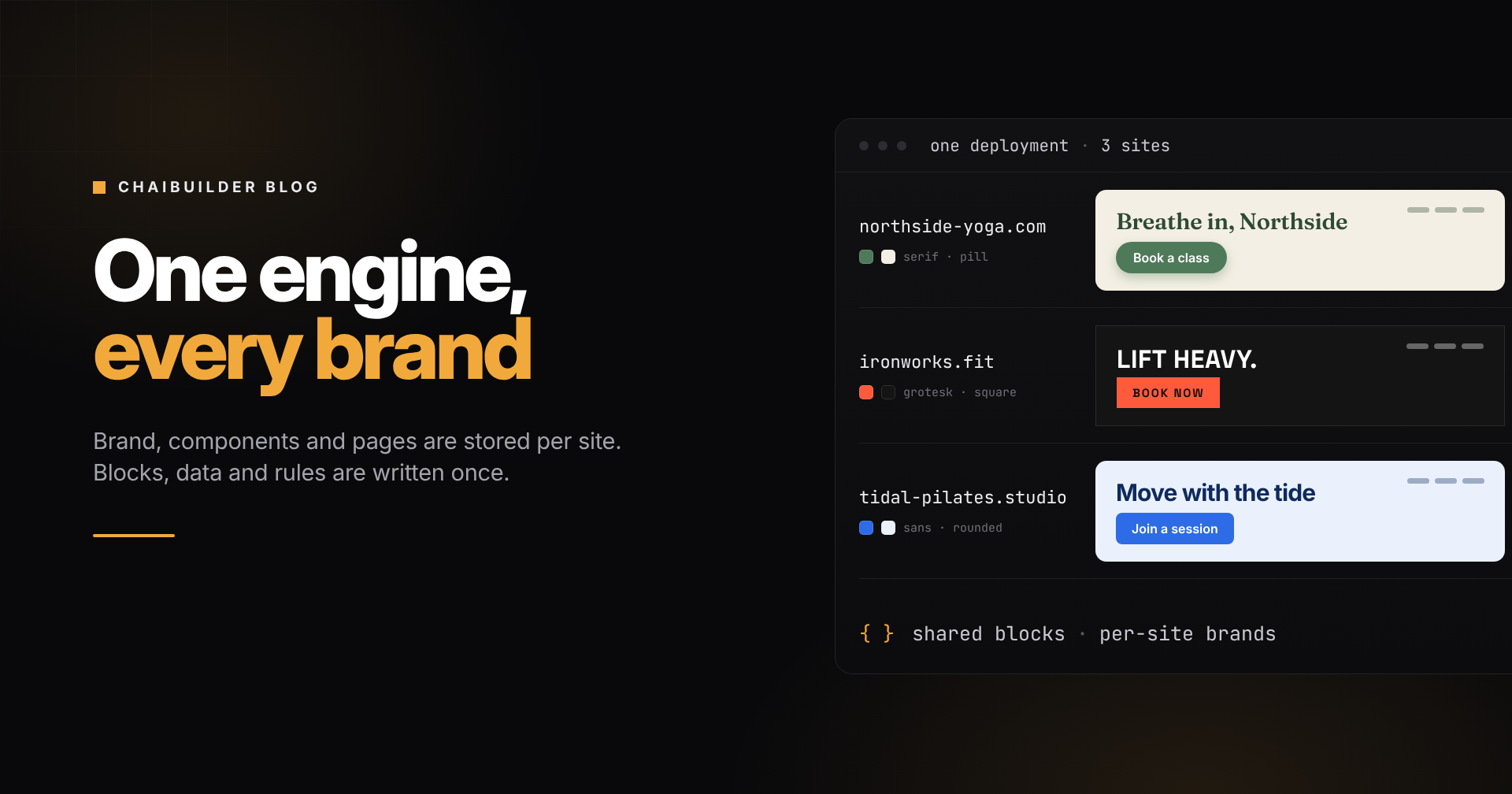
ChaiBuilder takes a third route. It splits a website into two kinds of things. What differs between clients is stored as data, per site, and changed in the builder by the client, by your team, or by an agent. What every client shares is code, written once by your developers and used by every site. This post walks through where that line sits and why it holds up at hundreds of sites.
We will use one running example throughout: a scheduling platform for fitness studios. Every studio already has its classes, instructors and locations in the platform. Every studio wants its own website.
One deployment, one row per client
Start with the shape of the system, because everything else follows from it.
A ChaiBuilder deployment is a Next.js app with one database. Each client site is a row in that database, and the site for an incoming request is resolved from its hostname. Pages, users, media, the theme, the design tokens and the shared sections all belong to that row. Fifty studios do not mean fifty deployments or fifty databases. They mean fifty rows.
Pages are stored as JSON and rendered at runtime. A client edits, publishes, and the change is live. There is no build and no redeploy, for that client or for anyone else.
Here is where the line between per-client and shared falls:
| Per client (data, changed in the builder) | Shared (code, written once by your team) |
|---|---|
| Theme: colors, fonts, corner radius | The block library, including your custom blocks |
| Design tokens: how buttons, cards and inputs look | Page types and the data providers behind them |
| Pages, layouts and copy | The fonts clients can choose from |
| Global blocks such as the header and footer | Roles and what each one may change |
| Media | The builder itself, under your brand |
| Languages and translations | Agent tools and design rules |
Now the layers, from the most visible to the most structural.
Layer 1: the brand, as a theme
Every site has one theme, and it holds exactly three things: 19 semantic colors (each with a light and a dark value), a heading font and a body font, and one border radius from which the small, medium and large radii are derived.
The theme reaches the page as CSS variables. Blocks are not styled with a fixed color like bg-blue-600. They are styled with semantic classes like bg-primary and text-muted-foreground. That is the whole trick: the same block renders in a deep green brand on one studio's site and a coral one on the next, and nobody touches the block.
A studio can set its theme four ways:
- Pick a preset, then adjust the primary color and fonts. Your developers can replace the built-in presets with your own list, so clients choose from looks you have approved.
- Paste existing CSS variables, if the studio already has a brand stylesheet.
- Describe it to the AI assistant, for example "warm, cream background, deep green accents". It generates every color in both modes and picks fonts only from the ones your project has registered.
- Edit the swatches by hand.
Theme edits are drafts. The live site keeps its current theme until someone publishes. Details are in Theming.
Layer 2: the components, as design tokens
Two studios can land on similar palettes and still want different buttons. One wants soft pill buttons with a shadow. The other wants square, flat, uppercase ones.
Design tokens handle that. A token is a named bundle of utility classes, such as Button-Primary or Card. ChaiBuilder ships 45 of them built in, and each site can edit them or add its own. Change Button-Primary on one studio's site and every button on that site updates, including the ones inside the header and footer. The next studio is untouched, because tokens are stored with the site, like the theme.
The two layers are designed to work together. The built-in tokens are written against theme colors, so a theme change recolors every token without anyone editing a token, and a token change reshapes a component without touching the theme. See Design Tokens.
Layer 3: the content, bound to data you already have
This is the layer that matters most to a platform, and the one a generic website builder cannot give you.
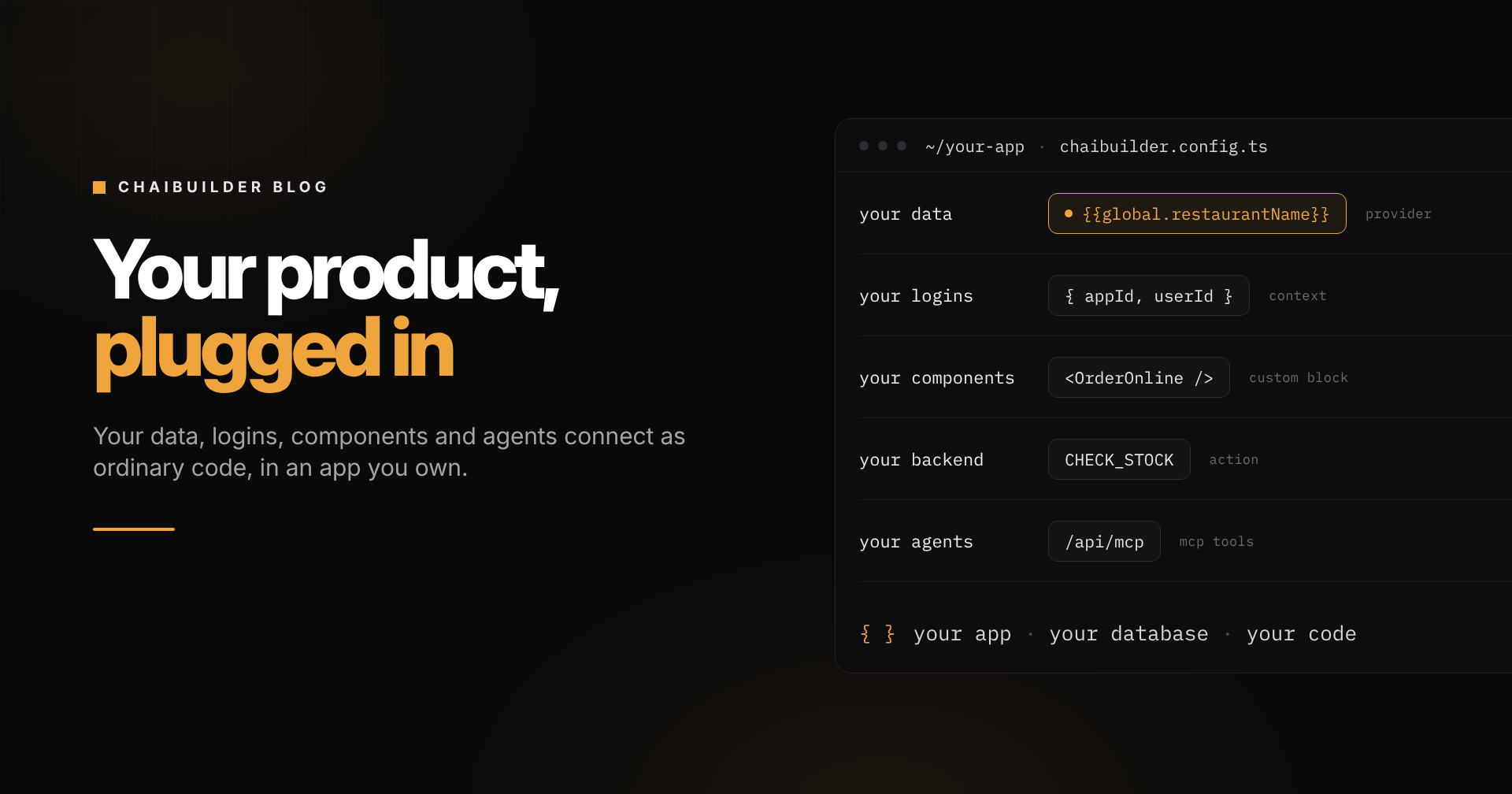
Your platform already knows each studio's name, address, opening hours, class schedule and instructors. Nobody should retype any of that into a website. With data binding, a developer wires your platform's data into the builder once, and every block on every site can use it:
{{global.studioName}}
{{global.address.city}}
{{instructor.name}}
{{class.startsAt | date 'long'}}
Three mechanisms do the work:
- A global provider exposes site-wide values under
global. The same footer block prints each studio's own name, phone number and social links. - Page types turn one layout into many pages. Design an instructor page once, and
/instructors/mayaand/instructors/sameach render from their own record. Every studio has a different list of instructors. The layout is shared. - Repeaters and conditional visibility list records and show or hide blocks based on them. A "Waitlist only" badge appears only on full classes. A kids' classes section appears only for studios that run them.
Bindings resolve on the server before the page renders, so a bound page is still a static, cached page. When a record changes in your platform, you invalidate it and the page regenerates.
This is also why a new client can have a working site on day one. The pages exist, the data exists, and the client starts from a site that already says the right things instead of a blank canvas. See Data Binding and Page Types.
Layer 4: the structure, edited visually
On top of brand and data, each client shapes its own pages. A studio adds a landing page for a summer challenge, rearranges its homepage, swaps the hero image, writes its own copy. It does this on a visual canvas, previews the result, and publishes in one click.
Sections that repeat across pages, like headers and footers, are global blocks: built once per site, referenced on every page, edited in one place. One studio's header has a "Book a class" button and a location switcher. Another's has a single phone number. Both are global blocks on their own site, and neither affects the other. See Global Blocks.
Revisions keep each page's history, so a client experimenting with its homepage can always roll back. Multilingual content lets a studio in a bilingual city run both languages on the same pages.
Layer 5: what stays in code, and why that is the point
Some customization should not be a setting. A class booking widget that talks to your scheduling engine, a membership table that reads live plans, an instructor card with your platform's ratings. Those are custom blocks: a React component plus a config that tells the builder which props an editor may change.
Your developers build a block once and it appears in every client's builder. Each studio places it, styles it with its own theme and tokens, and fills in its own text. Blocks can be limited to certain page types, so the instructor card only shows up where it makes sense.
This is where the shared side pays off. Fix a bug in the booking widget, deploy your app once, and every studio's site has the fix, because pages are rendered at runtime from their JSON rather than compiled per site. Ship a new block and every client can use it the same day. That is the difference between a product and a pile of forks. See Custom Blocks.
And because a deployment is a standard Next.js app, anything the builder does not cover is still yours to build: your own routes, your own pages, and custom panels inside the builder itself.
Guardrails: customization without chaos
Giving every client control is only safe if you decide how much control each person gets.
- Roles decide who changes what. Editing the theme, editing tokens, changing SEO fields and publishing are separate permissions. A studio's front-desk staff can update page copy without being able to touch the brand, and a role without theme access sees the theme panel replaced with a message.
- You decide what clients see. Design tokens can be switched off for a project, and the feature can be renamed, so if your customers call them "styles", the builder says "styles". Your preset list replaces the built-in one.
- Fonts are curated in code. Clients choose from the families you register, so nobody ships a site in a font you cannot license or serve.
- Agents follow the same rules. When an AI agent works on a client's site through the built-in MCP server, it acts as a specific user with that user's permissions, and its edits land as drafts. With the design system for agents turned on, the blocks it writes are checked against the site's design rules, and a theme change that would leave text unreadable is refused.
Your brand on the builder, theirs on the site
There are two brands in this picture, and both are covered.
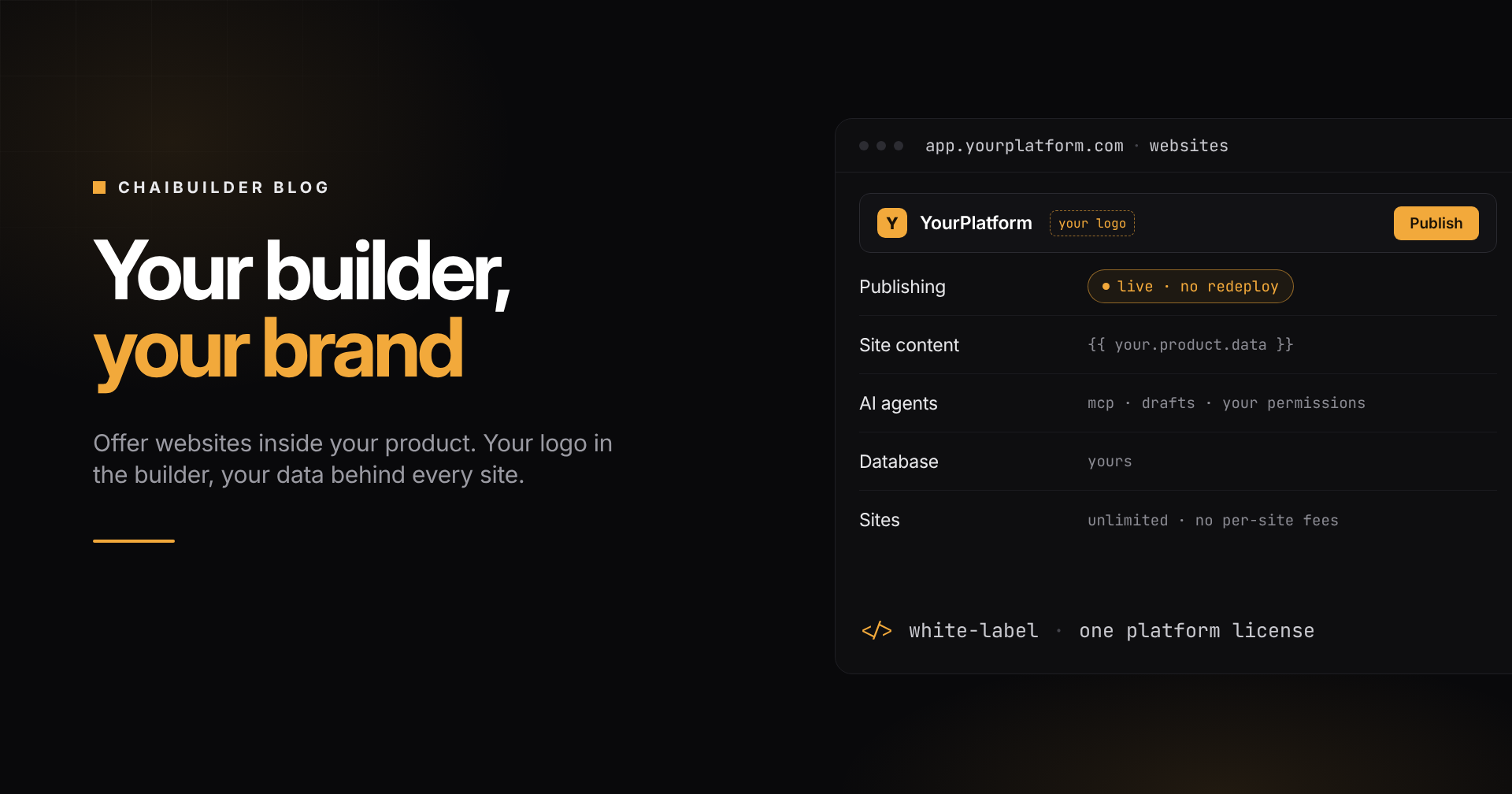
The site carries the client's brand: its theme, its tokens, its content, its domain. The builder carries yours. With the Platform license, the builder your clients log into shows your logo and your colors, with no ChaiBuilder branding in it. To a studio owner, the website editor is part of your product, because it is.
Where the limits are
A few things are worth knowing before you plan around them.
- The palette has 19 fixed keys. A client cannot add a "brand tertiary" swatch in the theme panel. Extra colors go in utility classes or design tokens.
- Themes and tokens are site-wide. There is no per-page theme and no per-page token. A token edit affects every page on that site once it is published.
- Adding a font is a code change. That is a guardrail and a cost: a client who wants a new typeface needs your team to register it.
- Shared caching needs care. On a multi-tenant deployment, the cache tags your developers fire should include the site id, or a change for one client can invalidate pages for others. The caching guide covers it.
The takeaway
Customizing websites for many clients is less a design problem than a question of where you draw the line between data and code. Put everything a client should own (brand, components, pages, copy) in data, per site, editable and live. Put everything you should own (blocks, integrations, rules, the builder itself) in code, written once. Each client gets a site that looks and reads like theirs, and your team maintains one product.
All of it runs in your own app, on your own database and your own infrastructure, under one yearly license for your whole platform, with unlimited sites and no per-site fees.
If your customers each need a website, book a demo and we will walk through it with your use case. If you would rather look at the engine first, start with open source.